Your app's pages
What the project's pages show for an app Athena built, and how Athena hears about changes you make there.
An app Athena built lives in an ordinary Appentic project. Its services, logs and settings are on the project's pages like any other. You can change all of them yourself.
Services
The project's Services page lists what Athena set up, such as the web service that runs the app and its Postgres database. Each row shows its status, when that last changed, and its size and machine.
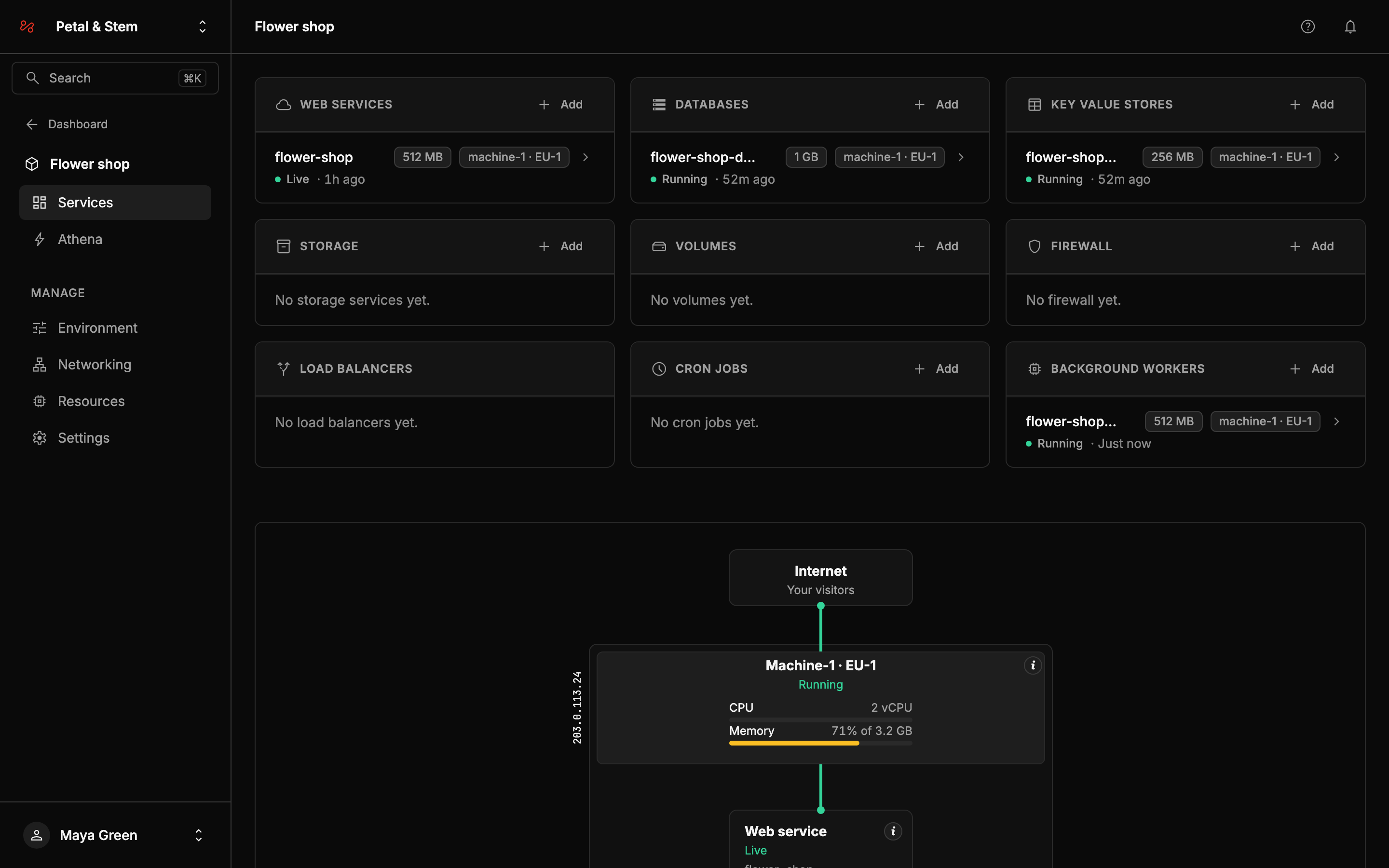
Add opens the usual form for each kind of service, as in any project. You can also ask Athena for what you need, such as photo uploads. For a firewall or a volume, Athena's box has a command (/firewall or /volume), which tells you the price first.
The web service
The web service's Overview shows whether it's live, its memory and CPU, and the app's address. Under CI/CD are the app's repository and branch, and its last deploy with Athena's description of the change.
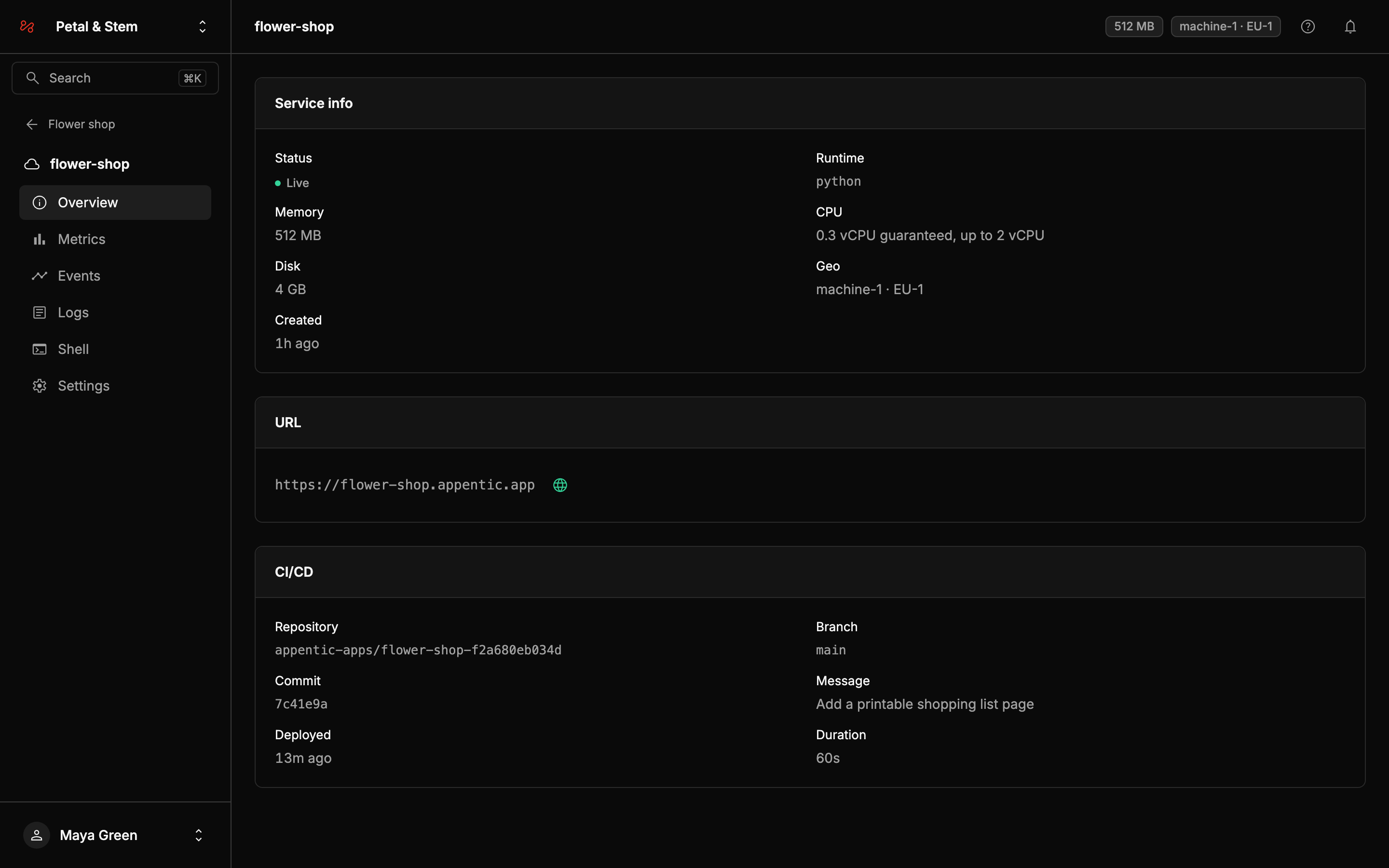
The globe beside the address opens your app.
The Logs, Metrics and Events tabs work as for any web service. See Logs, Metrics and Events.
What you can change
Everything on the project's pages works as in any other project. You can:
- rename services
- change the commands, build and deploy settings, and memory. See Memory and sizing.
- open the Shell
- roll back to an earlier deploy. See Roll back.
- move a service to another machine. See Machines.
- add services with Add, and delete a single service
- set environment variables. For keys and passwords,
/secretin Athena's box works too. See Environment variables. - add your own domains, turn on the maintenance page, and add database backups or more machines
While Athena works, and for up to 10 minutes after, Resources shows a Tests and commands row. That's the room Athena uses on your machine to test the app, and it goes away on its own.
Athena hears about your changes
When you next ask Athena for something, it's told what you changed since its last request, such as a deleted worker or a resized database. Athena builds on your changes rather than undoing them.
To take back Athena's own last request, including its code, type /undo. See Take a change back.
To remove everything, delete the project.